🍎 Homebase on iPhone and iPad
Apple only lets App Store apps install the usual way, so on an iPhone or iPad Homebase installs from Safari and lives on your Home Screen. It opens full screen like any app, and it can send you alerts, even when it is closed.
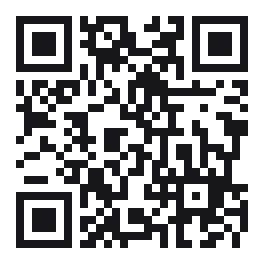
Start here on your iPhone
Point the camera at this code and tap the link. It opens Homebase in Safari. Or open this page on the phone and tap the button below.
Open HomebasePut it on your Home Screen
- Open Homebase in Safari. It has to be Safari, not another browser.
- Tap the Share button, the square with an arrow pointing up, at the bottom of the screen.
- Scroll down and tap Add to Home Screen, then Add.
- Open Homebase from your Home Screen, sign in or join with your family code, and tap Set everything up.
- Say Allow when it asks for alerts and for your location. That is all.
You need iOS 16.4 or newer. If alerts do not appear, open Settings, Notifications, Homebase and check they are on.
What works on iPhone
- Messages, reactions and quick replies
- Alerts for messages, calls, SOS, pick-me-up requests, plans and birthdays, even when the app is closed
- The family map, the calendar, plans, votes, jobs, rewards and the family board
- Calls, while Homebase is open
What Apple does not allow for a Home Screen app
- Sharing your location while Homebase is closed. It shares while the app is open on screen.
- Counting screen time. That needs the Android app or the Windows tracker.
A full App Store app would remove those limits. It needs an Apple developer account and a Mac, and it is the next step if you want it.